How to get to the Student Resources page
Students and teachers can access the Student Resources page one of these two ways:
- Open the Secure Testing Browser or Secure Testing App and select the Student Resources link on the test session login page.
- Navigate to https://studentresources.nwea.org in a supported web browser.
What’s on the Student Resources page?
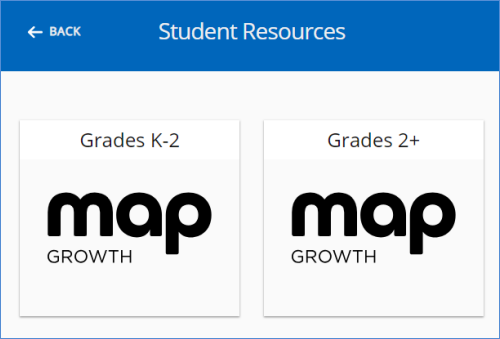
When you open the Student Resources page, you will be prompted to select either K-2 or 2+. Select the option corresponding to the MAP Growth test the student will take.
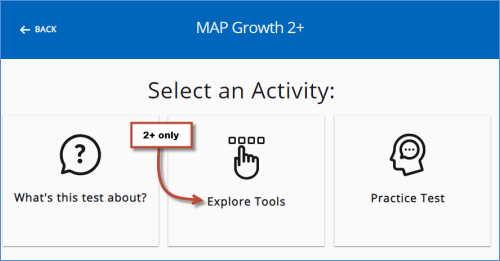 What’s this test about?
This section has a short video explaining the purpose of MAP Growth tests. There is a video for the K-2 tests and a different video for the 2+ tests.
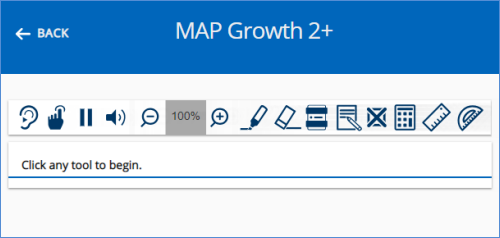
Explore Tools (2+ only)This section displays the toolbar, which is available at the top of all MAP Growth tests for grades 2+. The student can select an item on the toolbar, and watch a short video explaining how to use the tool.
 Practice Test
This section links to the practice tests. Practice tests are also available from the test session log in page, and online here:
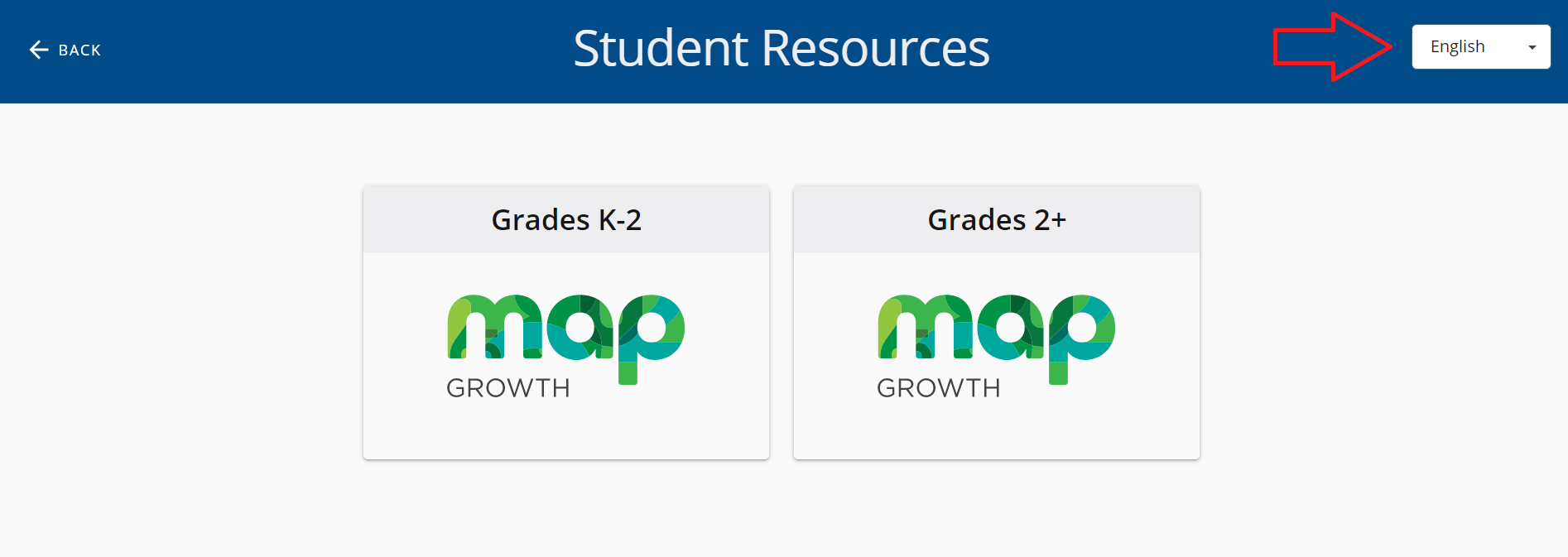
http://practice.mapnwea.org How to change the language to SpanishAfter accessing the Student Resources page, there is an option on the top right of the page to change the language from English to Spanish.